

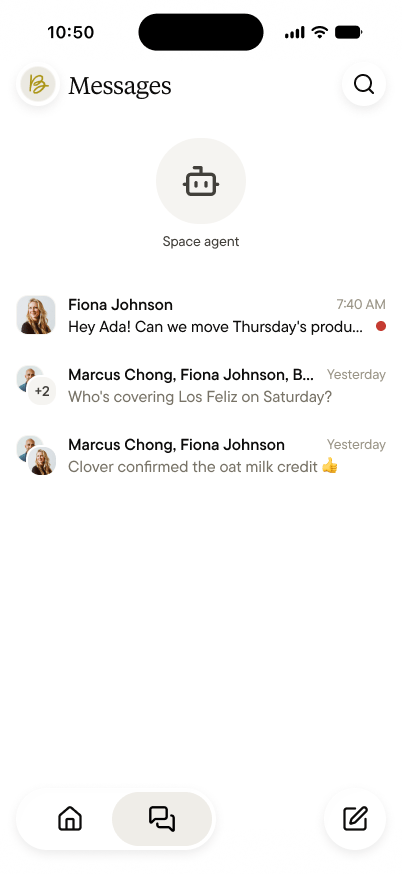
The space agent, at the top
The space agent is always first. Tap it to ask anything the team has captured, like “what did we spend on produce last month?” It answers from the space’s public feeds, and only from what you can see.Teammates, one-on-one or in groups
Below the agent are your conversations with teammates. Tap the compose button at the bottom right to start one with one person or with several. Group messages show everyone’s names at the top, and you can see when someone’s typing.Messages stay between the people in them
A message belongs to the people in it:- They’re not part of what the space knows. The space agent never reads your messages with teammates. It remembers the space’s feeds, not its hallway conversations, and that’s as true for a group message as for two people.
- They stay in the team space. Your messages with Bloom colleagues live in Bloom. Each team space keeps its own.