

Name it, and it exists
Tap the avatar at the top left to open the space switcher, then tap New space. There’s one thing to decide: what it’s called.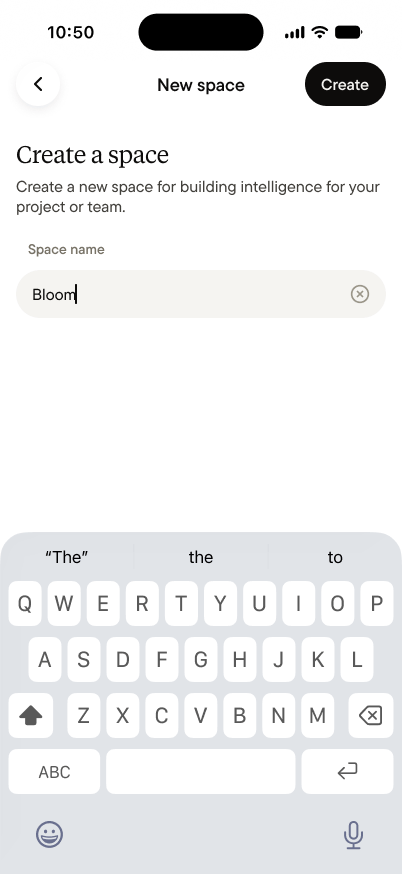
- It starts with nothing of yours. Nothing from your Personal space moves into it. A team space contains only what its members capture in it, on day one and every day after.
- You’re the admin. Creating a team space makes you an admin. You manage members and settings, and you can make other members admins too.
Bring your team
A team space becomes real when the second person joins, so inviting is the very next screen: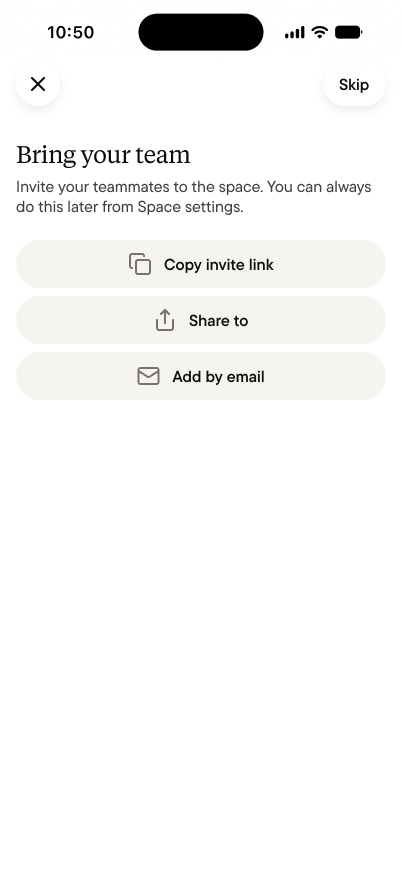
What’s inside
A new team space looks like your Personal space, with two differences:- Home starts with a Captures feed, where the space agent has left two short posts on how the space works.
- Messages replaces Chat. It’s where you talk to the space agent and message teammates.
First moves
- Make feeds for what you capture most. Invoices, site visits, end-of-day reports. One feed per kind of thing, and anyone in the space can create one. See Feeds.
- Capture something real. The best cure for an empty space is a real capture: the morning’s invoice, a voice note from a walkthrough, a photo from the site. Give the team, and the agent, something to work with.